Custom Domains for Short Links: Setup and Cloudflare Edge
Set up a branded short domain in ShortGo: TXT verification, A/AAAA or CNAME records, automatic HTTPS, Cloudflare tips and edge-mode redirects.
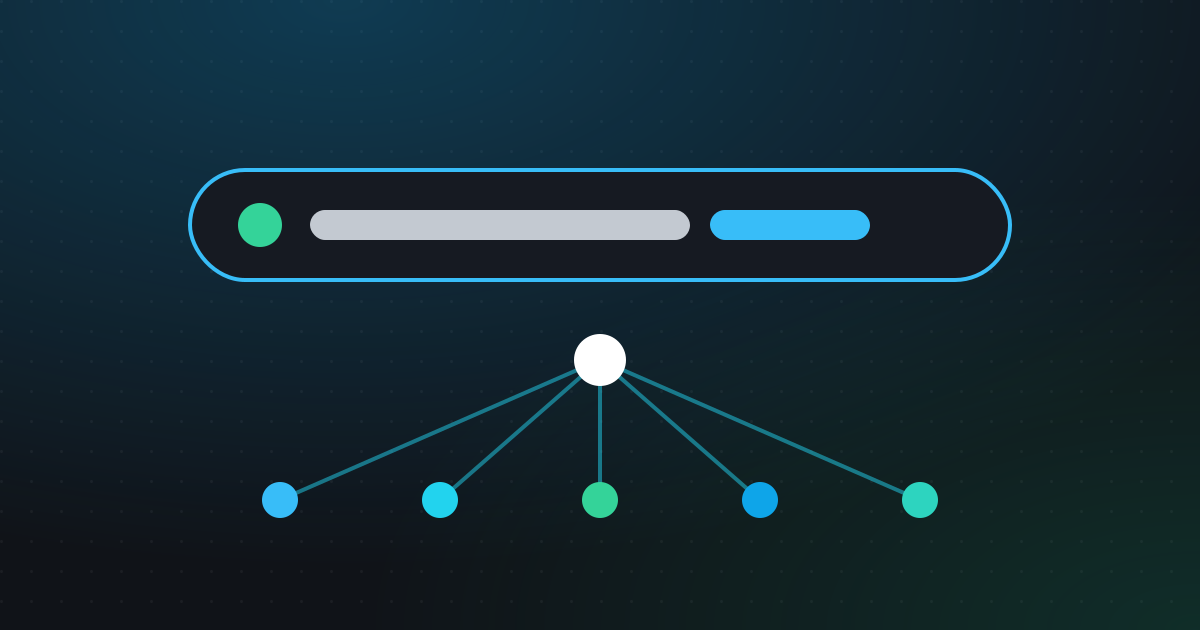
A short link on your own domain does two jobs at once. It looks trustworthy, because people can see your brand before they click, and it stays under your control even if you change tools later. This guide walks through setting up a custom domain in ShortGo, the DNS records involved, how Cloudflare fits in, and how edge mode can serve redirects closer to your visitors.
Why use a custom domain for short links?
Generic short domains are convenient, but they say nothing about who sent the link. A branded domain like go.yourbrand.com helps in a few practical ways:
- Trust. People are more likely to click a link when they recognise the domain, especially in email, SMS and printed materials.
- Brand recall. Every shared link repeats your name.
- Portability. The domain belongs to you. If you ever move your links elsewhere, you still own the address people have saved.
- Separation. You can use different domains or subdomains for different brands, products or regions.
If you’re new to branded links, start with our overview: what is a URL shortener.
Subdomain or root domain?
ShortGo supports both a subdomain (go.yourbrand.com) and a root, or apex, domain (ybrnd.co). Here is how they compare:
| Subdomain (e.g. go.yourbrand.com) | Root domain (e.g. ybrnd.co) | |
|---|---|---|
| Setup | Usually a single CNAME record | A/AAAA records (some DNS hosts offer CNAME flattening) |
| Effect on your main site | None | The whole domain is used for links |
| Length | Slightly longer | As short as you can register |
| Best for | Most teams | Dedicated short domains |
A subdomain is usually the simpler choice. A dedicated short root domain makes sense when every character counts, for example on printed packaging. ShortGo also offers premium short domains as a plan feature if you’d rather not register your own. See pricing for what’s included.
How to add a custom domain in ShortGo
1. Add the domain
In your workspace, open the domains page and enter the host you want to use, for example go.yourbrand.com. Workspace Owners and Admins can manage domains.
2. Verify ownership with a TXT record
ShortGo asks you to add a TXT record at _shortgo.<your-host>, for example _shortgo.go.yourbrand.com, with the value shown on the domain page. This proves the domain is yours.
3. Point the domain to ShortGo
Add the A/AAAA record or CNAME shown on the domain page:
- Subdomain: a CNAME pointing to the target ShortGo gives you.
- Root domain: A and/or AAAA records with the addresses shown.
DNS changes can take some time to propagate depending on your provider and the record’s TTL.
4. Wait for HTTPS
Once DNS points to ShortGo and the domain is verified, an HTTPS certificate is issued automatically. This usually takes minutes. You don’t need to upload or renew certificates yourself.
5. Create links on the new domain
Choose your domain when creating a link, then pick a random slug or a custom alias. Your existing links and printed QR codes on other domains keep working.
Using Cloudflare DNS
Many teams manage DNS on Cloudflare. If you do, there is one important detail: keep the CNAME set to “DNS only” (grey cloud) until the certificate is active. If the record is proxied (orange cloud) too early, the certificate check may not reach ShortGo, and issuance can stall.
Once the certificate is active, follow any guidance on the domain page or in the help center about whether to keep the record DNS-only.
Edge mode: redirects from Cloudflare’s network
ShortGo’s platform integrates with Cloudflare in two ways of serving redirects:
- Origin mode. Redirects are served from ShortGo’s own servers.
- Edge mode. Domains routed in edge mode are resolved by a Cloudflare Worker at Cloudflare edge locations close to the visitor. Link data is cached for a short time (configured by the ShortGo administrator), and each click event is sent back to ShortGo analytics over a secure, HMAC-signed channel.
The benefit of edge mode is shorter network distance: the visitor’s request is answered from a location near them instead of travelling to a central server. How much difference that makes depends on where your audience is and their network conditions, so we don’t promise specific timing figures.
Origin mode is also built for speed. Compiled links are cached in memory and in Redis, so a redirect doesn’t need a database query when the link is in cache.
What about analytics in edge mode?
Clicks resolved at the edge still appear in your link analytics. In traffic source reports they can show up as “edge”, alongside regular short link clicks and QR code scans. Learn more in link analytics explained.
Troubleshooting checklist
If your domain isn’t working yet, check these in order:
- TXT record name. It must be
_shortgo.followed by your full host, not just your root domain. - Pointing record. Make sure the A/AAAA or CNAME matches exactly what the domain page shows, and that there’s no conflicting old record for the same host.
- Cloudflare proxy. Grey cloud until the certificate is active.
- Propagation. Give DNS changes time, then check again.
- Still stuck? Visit the help center or contact support with your domain name.
FAQ
Can I use my main website domain for short links?
You can use a subdomain of it, like go.yourbrand.com, without affecting your main site. Using the root domain itself would route that whole domain to ShortGo, so a separate short domain is better for that.
Do I need to buy an SSL certificate?
No. ShortGo issues HTTPS certificates automatically once the domain is verified and points to ShortGo.
Will my old links break if I add a custom domain?
No. Adding a domain doesn’t change existing links. You choose which domain to use for each new link.